Most students think of the gazette only when they have lost their roll number slip. That is understandable — but the gazette is actually the most complete, most official document produced by BISE Multan. Everything else — the online result, the SMS confirmation — is a summary. The gazette is the source.
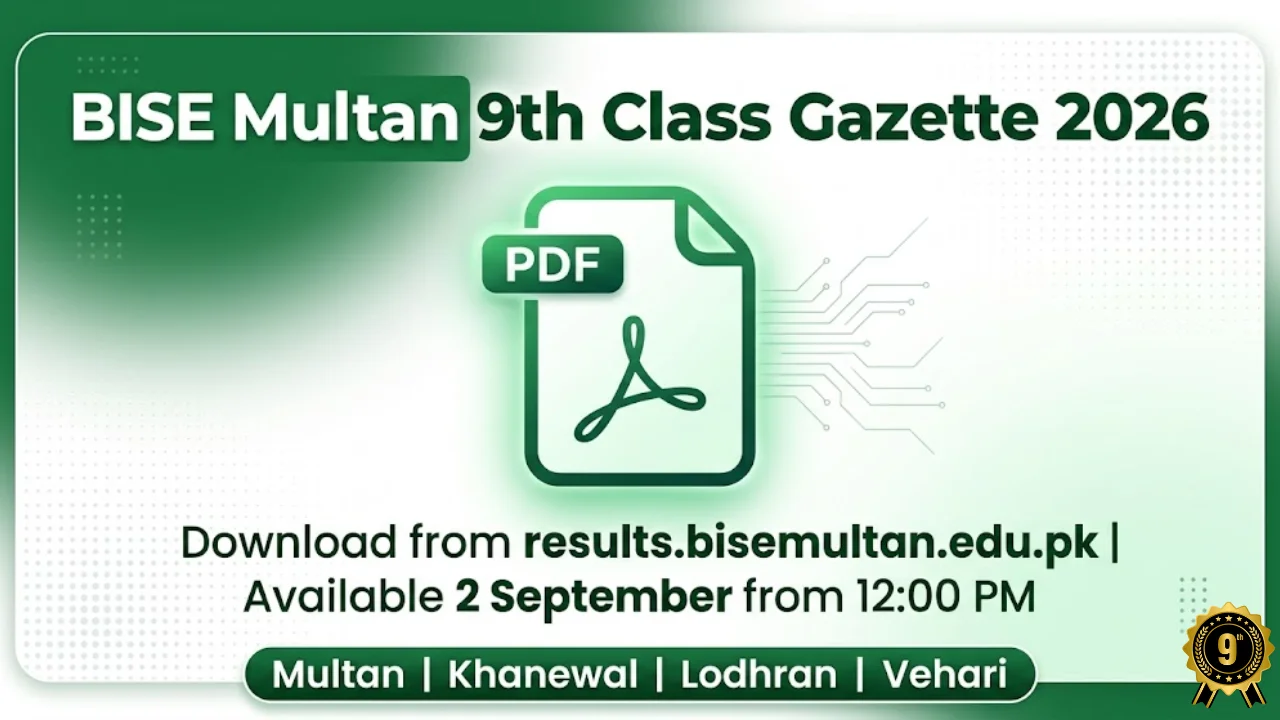
The BISE Multan 9th Class Gazette 2026 contains the complete result of every student who appeared in the SSC Part 1 annual examination from all four districts — Multan, Khanewal, Lodhran, and Vehari. Roll number, name, father’s name, subject-wise marks, total, grade, pass or fail status — all in one document.
It will be available to download from results.bisemultan.edu.pk on 2 September 2026 from approximately 12:00 PM — about two hours after the 10:00 AM result announcement.
Two Reasons to Download the Gazette Even With a Roll Number
Reason 1 — Subject-wise breakdown: The online portal sometimes shows a summary view. The gazette always shows every paper, every mark. If you want to know exactly how many marks you got in Biology versus Chemistry versus Urdu — the gazette is the only place that shows this in full.
Reason 2 — Future verification: When you apply for college admission in Multan or anywhere in Punjab, official result verification goes back to the gazette. If your online result ever shows a discrepancy — wrong marks, wrong name — the gazette is the reference document used for correction. Having your own PDF copy saves significant time later.
Download Guide
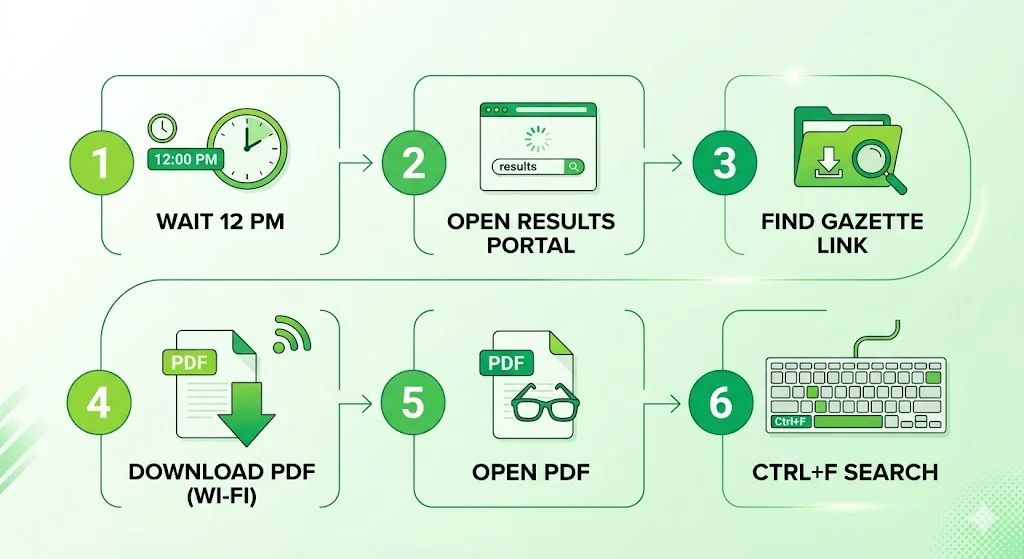
Step 1 — Wait until 12:00 PM on 2 September The gazette compiles all 144,000+ student records after the main result stabilises. Nothing will be there before noon — do not waste time refreshing.
Step 2 — Go to results.bisemultan.edu.pk Use the dedicated result portal — not the main web.bisemultan.edu.pk. The result portal is faster and has the direct gazette download link.
Step 3 — Find the gazette link Look for “Gazette 2026”, “SSC Part 1 Gazette”, or “9th Class Result Gazette Download” on the homepage. It will be clearly labelled.
Step 4 — Download on Wi-Fi BISE Multan gazette is 60 to 120 MB depending on the year. This is too large for reliable mobile data download on most Pakistani networks on a busy result day. Use Wi-Fi if possible. Wait for the download to fully complete before opening.
Step 5 — Open and search Open the PDF → Press Ctrl+F on PC → tap Find in Page in mobile browser (Chrome or Samsung Internet, not a PDF app) → type your exact registered name.
Step 6 — Confirm your entry If multiple entries show your name, match the school name in the same row. Khanewal, Lodhran, and Vehari students should also cross-check the district column.
Direct download link: Added to this page the moment results.bisemultan.edu.pk publishes the gazette on 2 September.
When Name Search Fails — Real Solutions
“My name is not found” Your registered name on the board form may differ from what you write daily. Try variations — if you searched “Fatima Malik” try “Fatima” alone, then “Malik Fatima.” If your name includes “Ch.” or “Rana” as a prefix, try with and without it.
“PDF crashes on my phone” A 60-120 MB file crashes most standalone PDF apps on older Android phones. Switch to Chrome browser’s built-in PDF viewer. If Chrome also struggles, try Samsung Internet browser — it handles large files better. Alternatively, forward the download link to a family member with a newer device.
“I found my name but the marks look wrong” Note your roll number from the gazette entry. Then call BISE Multan at +92 61 9210125 and ask about the marks correction process. Because BISE Multan now uses biometric verification from 2026, identity-related discrepancies are easier to resolve with official records.
“The gazette link is not live yet at 12 PM” Wait until 12:30 PM or 1:00 PM. Some years the gazette upload takes slightly longer. Server load on result day is highest in the first two hours.
“I am a private candidate — am I in the gazette too?” Yes. Every student who appeared in the annual examination — regular or private — is listed in the gazette. Private candidates are listed with their roll number, name, and result exactly like regular students.
Related Pages
👉 BISE Multan 9th Class Result 2026 — Roll Number + SMS 800293 + Subject Stats →
👉 BISE Multan Position Holders 2026 — Top Scorers from South Punjab →
Students Also Ask
-
From 12:00 PM on 2 September 2026 on results.bisemultan.edu.pk.
-
Typically 60–120 MB. Download over Wi-Fi and wait for the full download to complete before opening.
-
Yes — Ctrl+F works with roll numbers too. If the website is down, searching your roll number in the gazette gives your complete subject-wise marks instantly.
-
Yes! It is BISE Multan’s primary published record and is accepted for all official verification purposes including college admissions.
-
Contact BISE Multan at +92 61 9210125 with your original registration documents. The biometric system introduced in 2026 makes record matching more straightforward than in previous years.